Writing
The best AI LinkedIn post generators (that don't sound like AI)
AI-written LinkedIn posts get about 24% fewer reactions. We tested which LinkedIn post generators draft in your voice from your own material, and which produce generic AI copy.

Short answer
A LinkedIn post generator is only as good as what it writes from. The best ones draft from your own material or voice: Flypost writes from your blog, videos and documents; Supergrow from a 10-minute voice interview; ContentIn from your past posts. ChatGPT or Claude work free if you set up a project with your best posts.
Every LinkedIn tool now has a "generate post" button. The difference between them is where the words come from. A generator that writes from a one-line topic produces the same posts as everyone else's. One that writes from your own stories, opinions and material produces posts that sound like you, and that shows up in the numbers.
Why "sounds like AI" costs you reach
In our study of 2,016 posts from 336 creators, posts that read as AI-written got about 24% fewer reactions than the same creators' other posts. The usual tells: a dramatic one-word opener, a tidy list of three, "Here's the thing", and a closing question nobody asked for.
The fix isn't avoiding AI. It's giving it something real to write from.
Three ways generators capture "you"
- From your archive. The tool reads your blog, YouTube transcripts and documents, and drafts posts grounded in what you've already said. Flypost and Scripe do this; Oiti and Kleo use a knowledge base you fill.
- From an interview. You talk; the AI turns it into posts. Supergrow's PostCast runs a 10-minute voice interview that becomes 3 to 5 posts. Scripe runs content interviews in six languages.
- From your past posts. The tool learns your style from what you've posted. ContentIn needs about 20 posts; AuthoredUp's Coauthor (beta) and MagicPost's style import work similarly.
The best LinkedIn post generators
Flypost
Best for Turning your own blog, videos and documents into LinkedIn posts and visuals
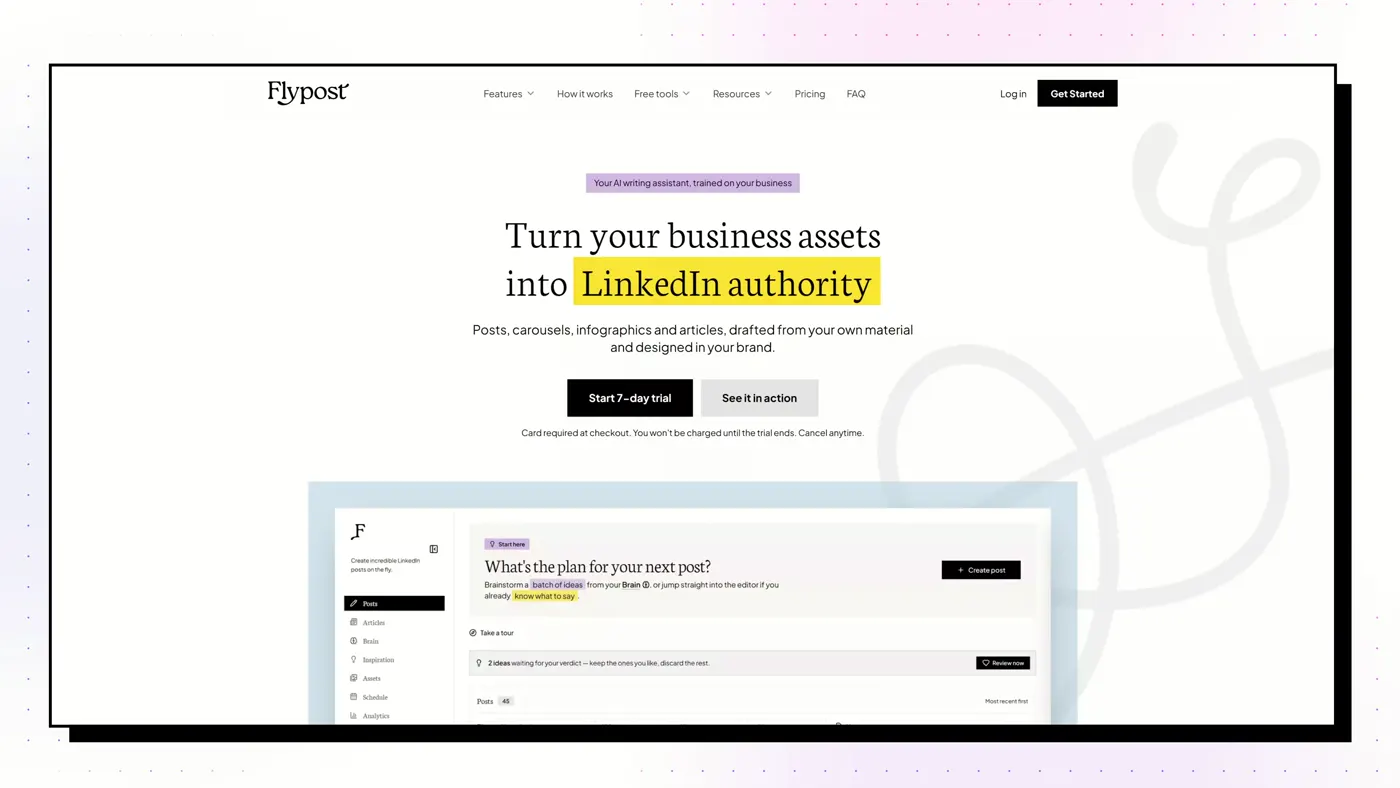
A LinkedIn content studio that builds a searchable "Brain" from your blog, YouTube channel and documents, then drafts posts, carousels, infographics and articles from that material and schedules them to LinkedIn.
Good
- Drafts from your whole archive: blog via sitemap crawl, YouTube transcripts, uploaded documents and Google Drive
- Widest range of visuals we tested: carousels, infographics, memes, stat graphics, comparison images and long-form articles
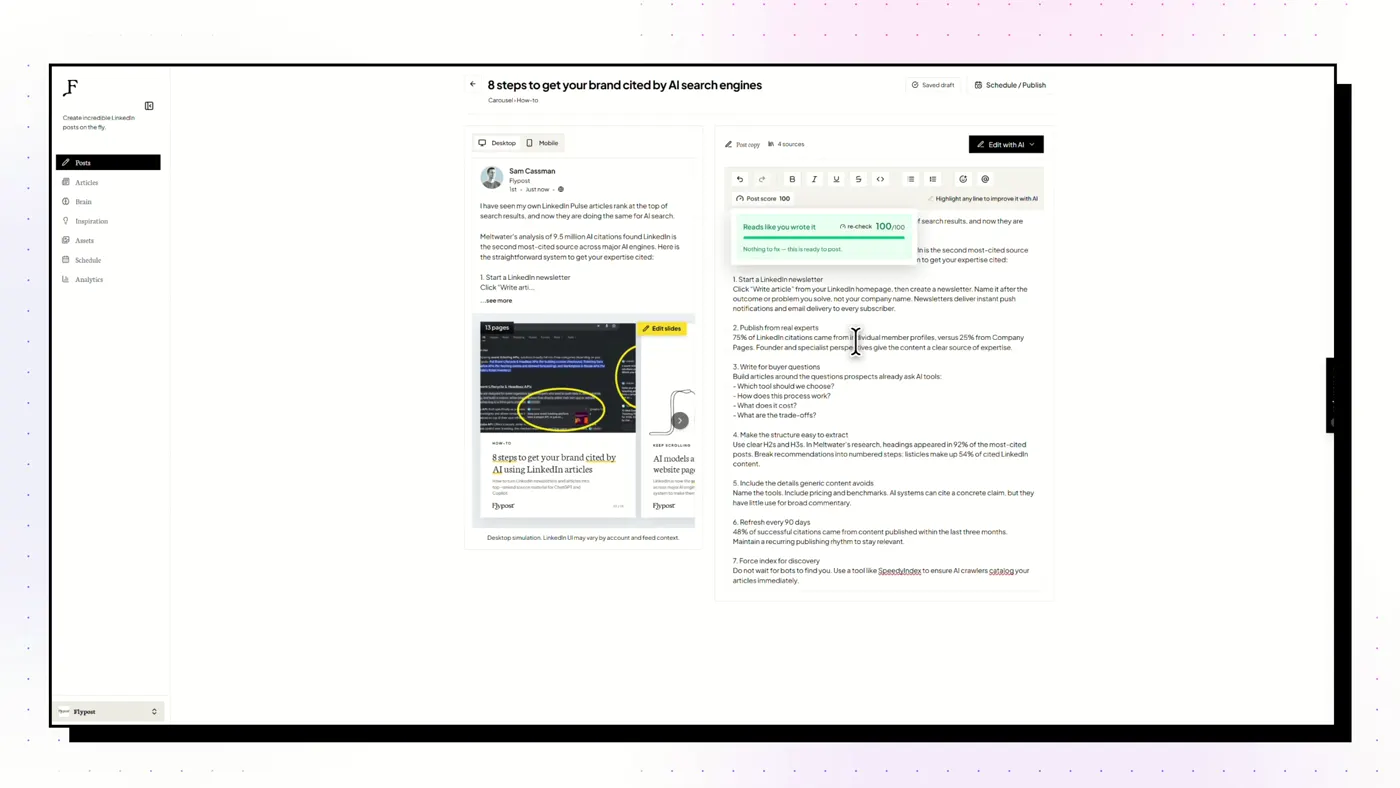
- A post score built on a study of 116,000+ LinkedIn posts flags weak hooks and AI tells before you publish
- Schedules through LinkedIn's official sign-in via an approved partner, with no browser extension
Watch out
- No independent reviews yet on G2 or Trustpilot
- No lead generation, outreach or DM automation
- Post analytics need the $79 Pro plan, and the trial takes a card
Supergrow
Best for People who'd rather talk than type, and teams of colleagues posting
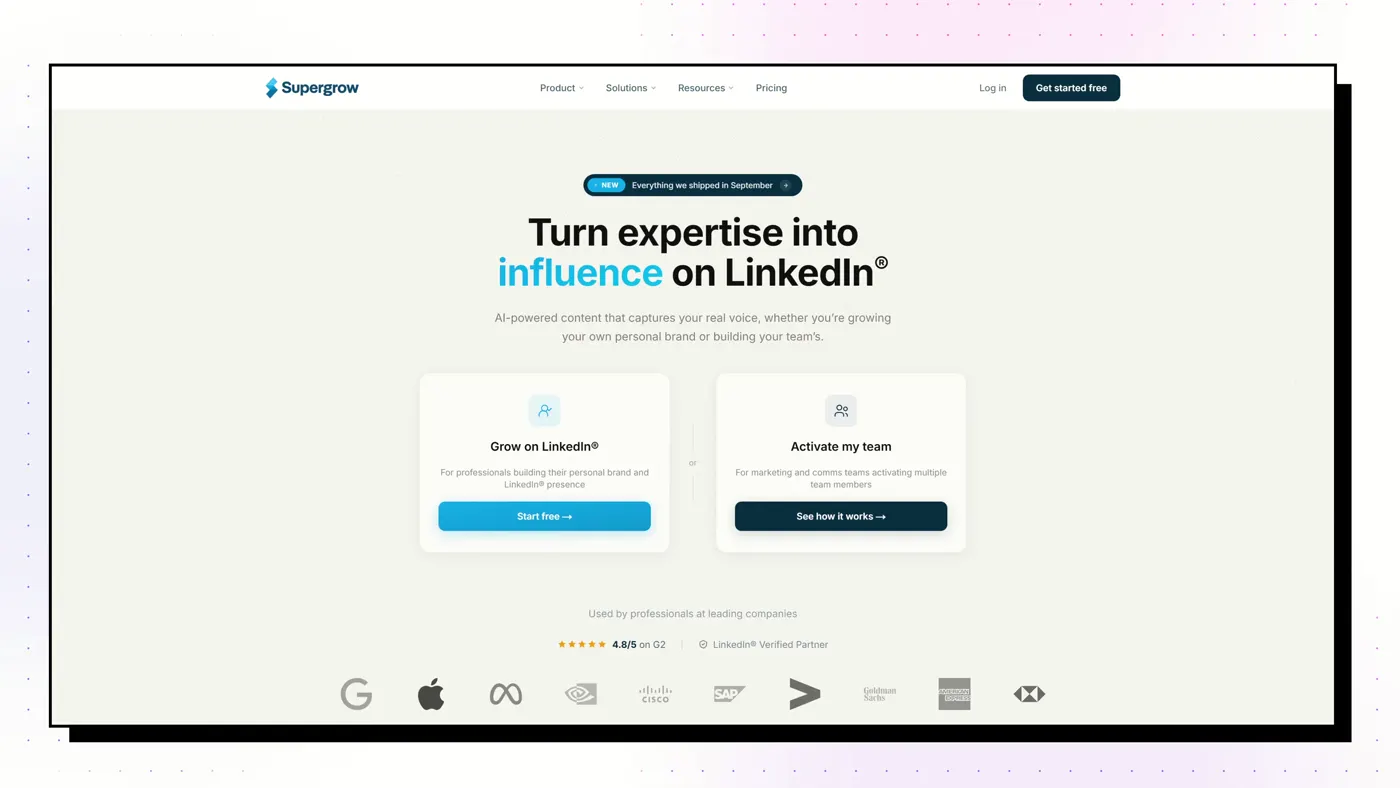
A voice-first AI writer. PostCast runs a short AI voice interview and turns your answers into posts, and Content DNA models how you write. Strong employee-advocacy features for teams.
Good
- PostCast: a 10-minute AI voice interview that becomes 3 to 5 posts
- Content DNA models your writing across five layers
- Best employee-advocacy tooling on this list
- A Post Score (since August 2026) rates performance and authenticity, with rewrites
Watch out
- Output stops at text and carousels: no memes, stat graphics or long-form articles
- Analytics are light
- Thin review base: G2 4.4 from 14 reviews
ContentIn
Best for Founders who already post and want drafts in their own voice
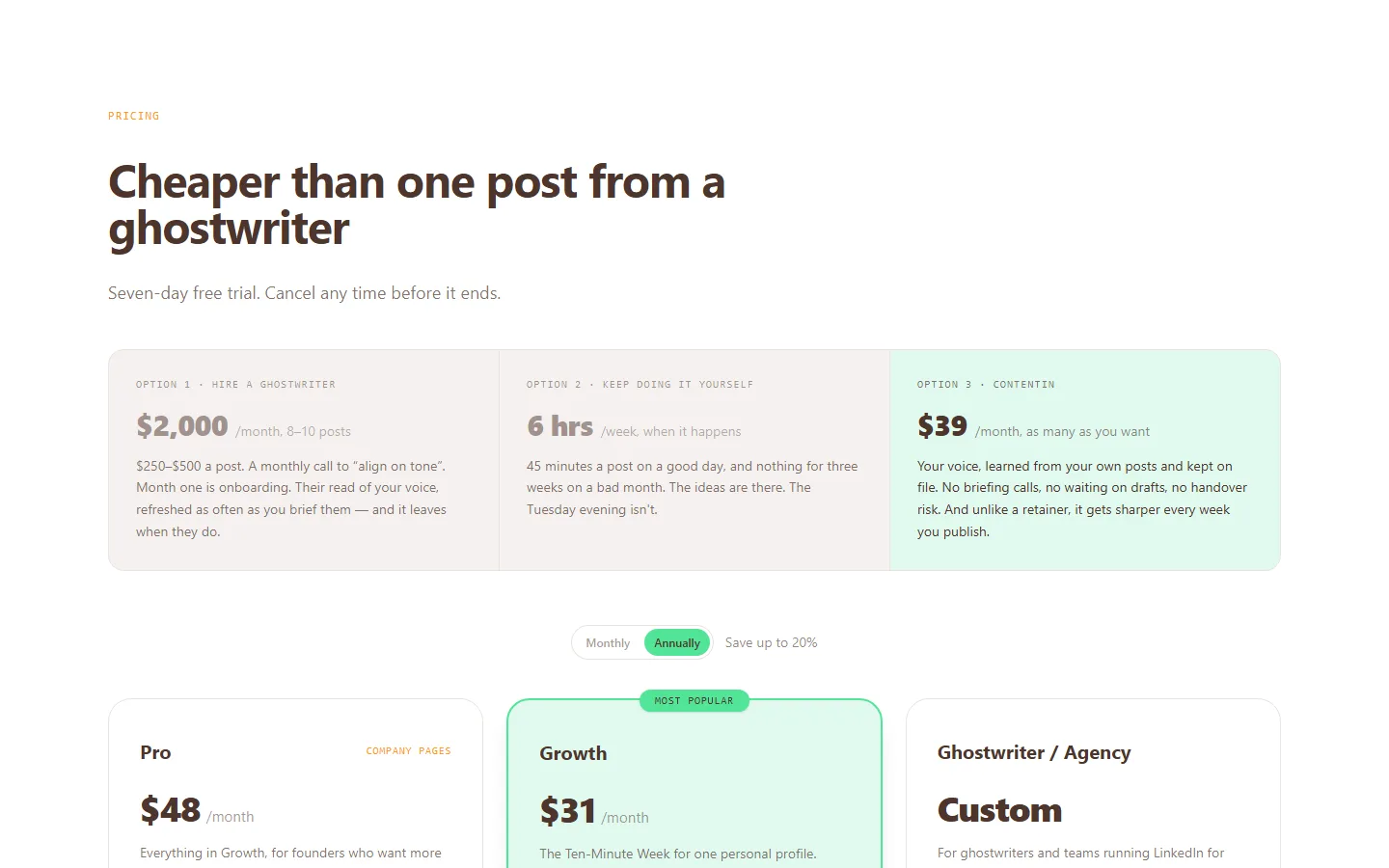
An AI ghostwriter that trains a voice model on your past posts (it needs about 20), with 1,000+ templates, scheduling and light analytics, on LinkedIn's official API.
Good
- The entry plan includes the unlimited AI ghostwriter
- Voice matching from your own posts
- 1,000+ post templates, the largest library claimed here
- 7-day trial plus a 30-day refund on the first payment
Watch out
- Very few independent reviews: G2 shows 4.5 from just 5
- Some reviewers call the output generic
- Carousels capped at 4 a month on Growth
Scripe
Best for European B2B teams running a LinkedIn programme with approvals and deep analytics

A Berlin-built team content platform: a knowledge base that re-crawls your website weekly, a Kanban board, approvals, campaigns and the deepest analytics we saw, including your post history from before you joined.
Good
- Built-in approvals, content board, campaigns and team roles
- The deepest analytics here, including history from before you signed up
- Knowledge base re-checks your website every week
- Docs site, dated changelog, MCP and a public API on every plan
Watch out
- Pricey for one person, and the Solo plan can't add a second account
- Trustpilot 2.6 from 8 reviews, with complaints after the 4.0 update
- AI allowance is now weekly and unpublished
EasyGen
Best for Fast text drafts modelled on trending topics and top creators
A text-post writer by creator Ruben Hassid that researches top creators' posts and trends across Reddit, X and search, then writes in that shape. It schedules but deliberately doesn't auto-publish.
Good
- A real research layer: scrapes trends across several sources
- Users say output sounds like a real person
- Chrome Web Store 4.7 from 91 ratings
- Simple, single plan
Watch out
- Price isn't published; about $59.99/mo is reported by third parties
- No refunds
- Text only: no carousels or analytics
Oiti
Best for Solo ghostwriters wanting deep voice modelling across a few personas
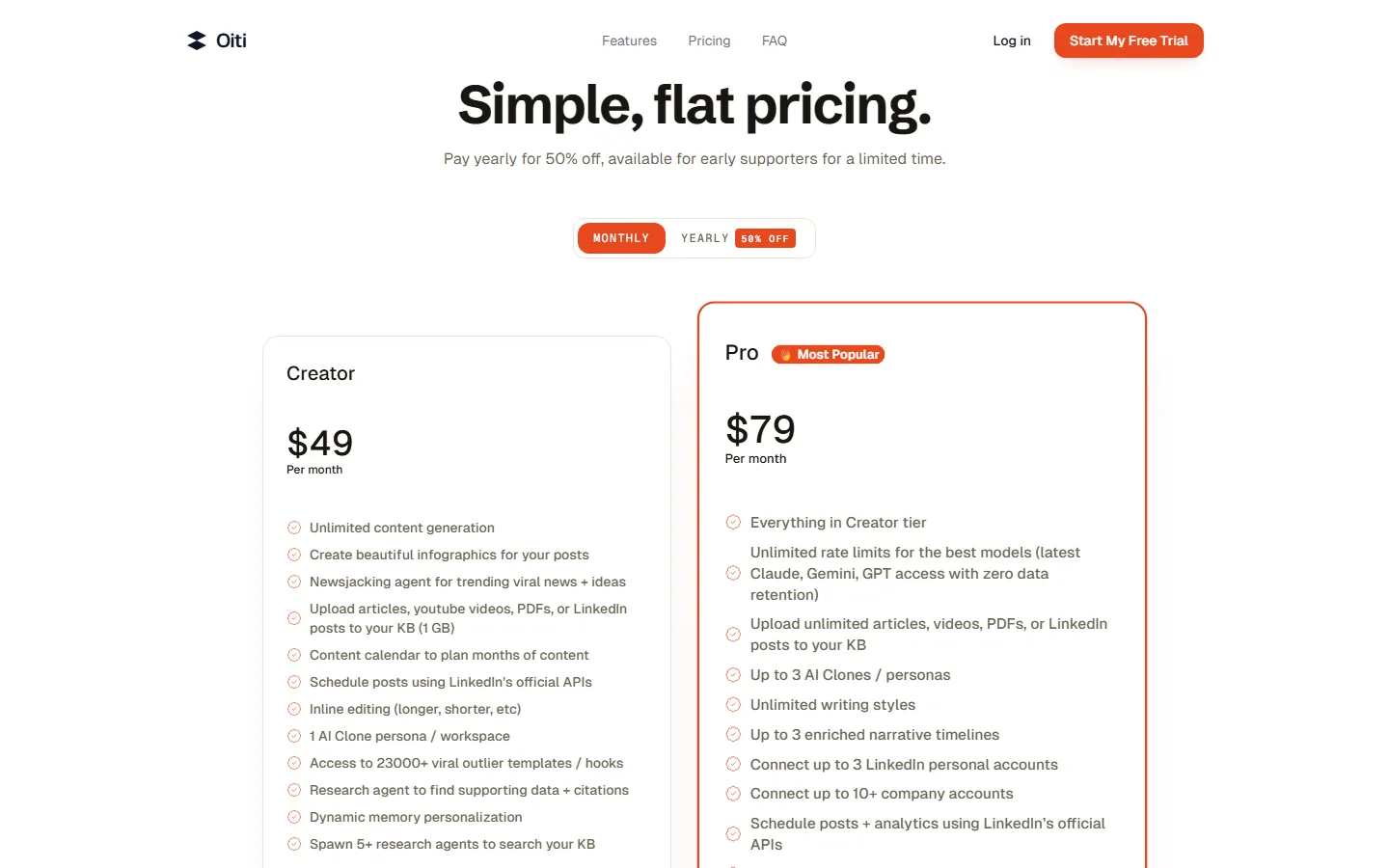
A one-person LinkedIn ghostwriting tool built on a detailed "AI Clone" persona and a knowledge base its research agents search before writing.
Good
- Detailed persona modelling with long-term memory from your edits
- Research agents search your knowledge base with citations
- Three personas and 10+ company accounts for $79
- Cheap annual plans and a written 7-day refund
Watch out
- No independent reviews anywhere
- Run by a one-person company
- No analytics or carousels
ChatGPT or Claude
Best for A free start, if you're happy formatting, designing and posting yourself
General AI assistants. Excellent at drafting and rewriting once you set up a project with your best posts, but with no native LinkedIn publishing, scheduling, analytics or carousel format.
Good
- Free to start
- Writes well with a project of your best posts and audience
- Already in most people's toolkit
- Can drive dedicated tools through MCP connectors
Watch out
- No native LinkedIn publishing, scheduling or analytics
- No LinkedIn-shaped carousels
- You keep the context and voice up to date yourself
What to look for in the draft
- The first line. Our 116,000-post study found first-person openers ("I…") earn 19% more reactions, and question openers 17% fewer.
- A specific detail. A number, a name, a moment. Generic advice reads as AI.
- No engagement bait. "Comment KEYWORD for the guide" posts got 24% fewer reactions.
Our pick
If you have a body of work to draw on, Flypost turns it into posts without starting from a blank prompt. If you'd rather talk it out, Supergrow. If you've posted for a while and just want more of the same voice, ContentIn. And if budget is zero, a well-built ChatGPT or Claude project is a perfectly good writer: read our ChatGPT for LinkedIn guide.
Frequently asked questions
What is the best free LinkedIn post generator?
ChatGPT or Claude, set up as a project with your best past posts, your audience and your rules. Several paid tools have free trials or free plans too: AuthoredUp's trial needs no card, and Typegrow is currently free.
Can LinkedIn tell if a post is written by AI?
LinkedIn doesn't label AI posts, but readers notice. In a study of 2,016 posts from 336 creators, posts that read as AI-written got about 24% fewer reactions.
How do I make AI LinkedIn posts sound like me?
Give the AI your real material (stories, opinions, your own posts) instead of a topic. Tools that build a voice from your writing, interview you, or draft from your archive produce posts that sound far less generic.
Do I need to edit AI-generated LinkedIn posts?
Yes. Treat every draft as a first draft: cut the hedging, add a specific detail only you would know, and read the first line out loud.