How-to
How to use ChatGPT (or Claude) to write LinkedIn posts that don't sound like AI
ChatGPT and Claude write good LinkedIn posts if you set them up properly. A project setup, prompts that work, the AI tells to cut, and when a dedicated LinkedIn tool is worth paying for.

Short answer
Set up a project, not a chat. Give ChatGPT or Claude your 10 best LinkedIn posts, a paragraph on your audience, and a list of phrases you never use; then ask for drafts from a specific story or opinion, not a topic. Cut the AI tells before posting. It's free to start ($20/mo for ChatGPT Plus or Claude Pro). What it can't do natively is schedule, publish, measure or make carousels; that's what dedicated tools add.
ChatGPT and Claude are better writers than most LinkedIn tools' built-in AI. The reason they often produce bland LinkedIn posts is the input: a topic with no story, no audience and no voice. Fix the setup and the drafts change.
Step 1: Make a project
Both ChatGPT and Claude have Projects: a workspace with standing instructions and files. Put three things in it:
- Your 10 best LinkedIn posts, pasted as one document.
- Your audience in a paragraph: who they are, what they care about, what they already know.
- Your rules: words you never use, how long your posts run, whether you use emoji.
Step 2: Prompt from material, not topics
Weak: "Write a LinkedIn post about leadership."
Strong: "Yesterday a junior designer told me our onboarding was confusing and she was right. Write a LinkedIn post from that, in the style of my example posts. Open with a first-person line."
That first-person opener isn't a style tic: in our analysis of 116,000+ posts, first-person first lines earned 19% more reactions, and opening with a question earned 17% fewer.
Step 3: Cut the AI tells
In our study of 2,016 posts, posts that read as AI-written got about 24% fewer reactions. Delete these before you post:
- One-word dramatic openers ("Truth?").
- "Here's the thing" and "Let that sink in".
- Neat lists of exactly three.
- A closing question just to drive comments.
- "Comment GUIDE and I'll send it" (that cost 24% in our data too).
What ChatGPT and Claude can't do
<div>
<h3 class="tool-card__name"><a href="/reviews/chatgpt-claude/">ChatGPT or Claude</a></h3>
<p class="tool-card__best"><span class="label">Best for</span> A free start, if you're happy formatting, designing and posting yourself</p>
</div>
<div class="tool-card__price"><span class="label">From</span> Free</div>
General AI assistants. Excellent at drafting and rewriting once you set up a project with your best posts, but with no native LinkedIn publishing, scheduling, analytics or carousel format.
Good
- Free to start
- Writes well with a project of your best posts and audience
- Already in most people's toolkit
- Can drive dedicated tools through MCP connectors
Watch out
- No native LinkedIn publishing, scheduling or analytics
- No LinkedIn-shaped carousels
- You keep the context and voice up to date yourself
They don't publish, schedule, track analytics or make LinkedIn-shaped carousels, and you maintain the context yourself. That's the gap dedicated tools fill. Several now plug into ChatGPT and Claude as MCP connectors, so you can keep writing in the assistant and let the tool handle formats and scheduling.
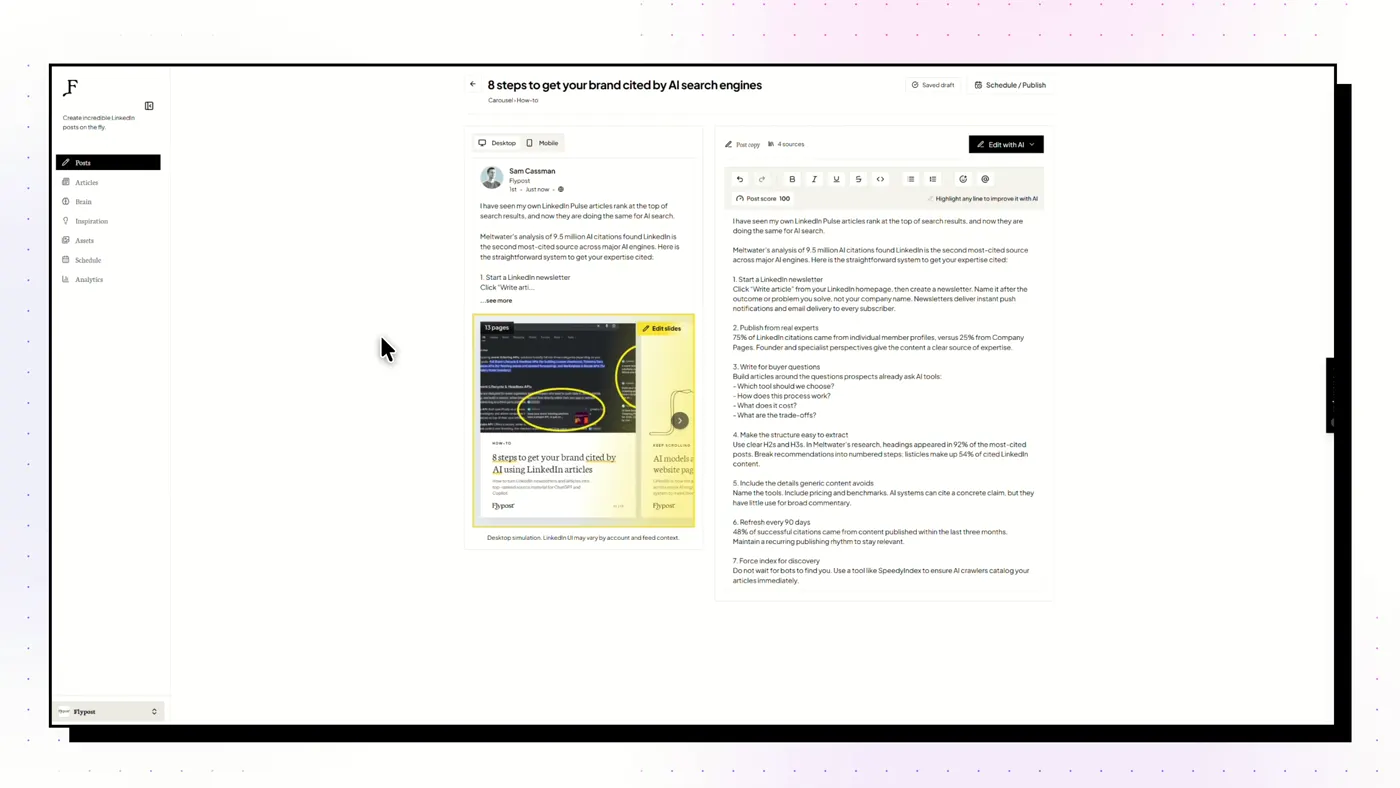
When to pay for a dedicated tool
When you're posting several times a week, want carousels or infographics, or want to know which posts actually worked. See the best LinkedIn post generators.
Frequently asked questions
Is ChatGPT good for writing LinkedIn posts?
Yes, with context. Given your past posts, your audience and a real story, ChatGPT and Claude write strong drafts. From a one-line topic, they write the same generic post as everyone else.
What is the best ChatGPT prompt for LinkedIn posts?
Give it material, not a topic: 'Here's something that happened this week: [story]. Write a LinkedIn post in the style of the example posts in this project. Open with a first-person line. No question at the start, no lists of three, no closing question.'
ChatGPT or Claude for LinkedIn posts?
Both write well; Claude tends to need fewer edits to stop sounding like AI, ChatGPT has image generation built in. Both cost $20/mo for the paid tier and both have Projects.
Can ChatGPT post to LinkedIn for me?
Not natively. Some LinkedIn tools (Flypost, Taplio, Scripe, ContentIn) plug into ChatGPT or Claude as MCP connectors so the assistant can draft, design and schedule through them.